
How to control polls and results during live?
Last updated: September 4, 2025
Videosync offers powerful polling tools to boost audience engagement during your events. With several poll types available and detailed tracking of responses, you can gather real-time feedback, run Q&A sessions, and keep your audience actively involved.
For creating poll questions, check How to enable polls in your event?
After you have created the poll questions, you can manage the polls in the live setting through our Live control room.
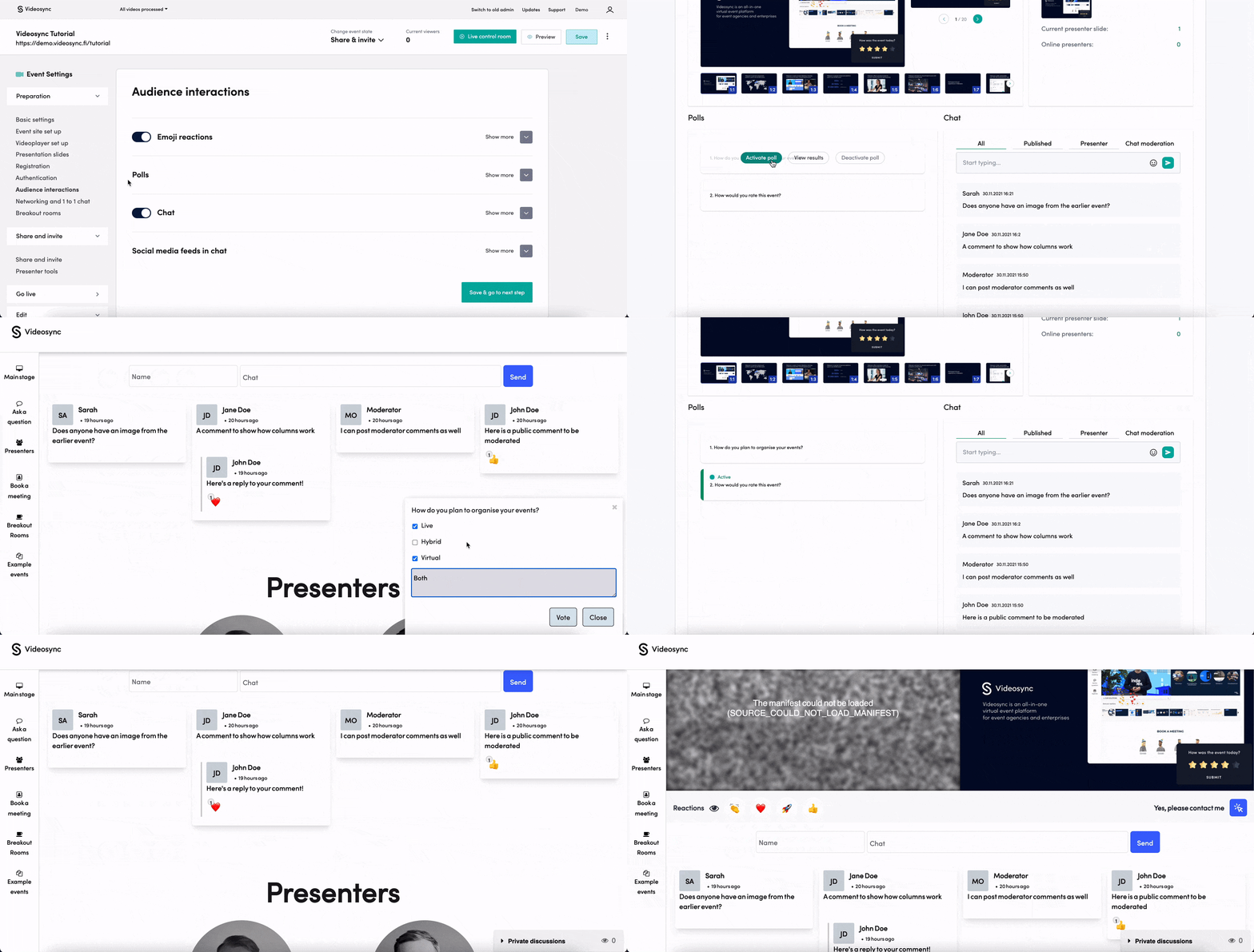
Go to Live control room in the upper right corner of the event. Your event state needs to be Preparation, Share & Invite or Go live.

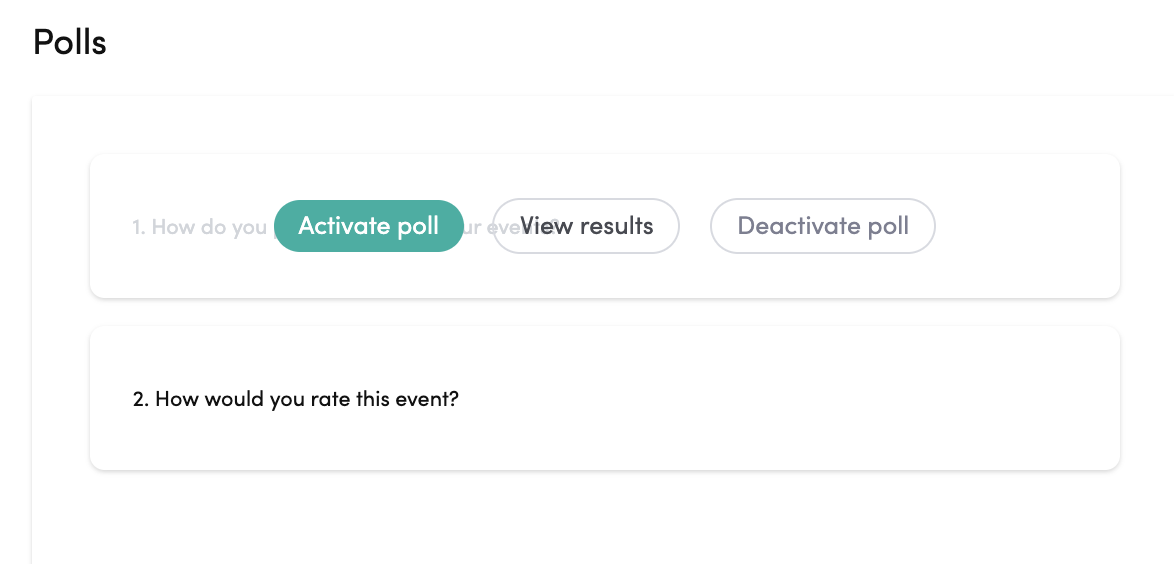
In Live control room, hover over the poll to:
- Activate poll: Start showing the poll question to the audience and allow voting
- View results: Show the results of the poll question to the audience
- Deactivate poll: End showing the poll question or results to the audience
Controlling polls in Web Studio
You can also control polls directly from Web Studio while streaming. This allows you to manage polls without switching between windows during your live event. For more details, see Go live with Web Studio.